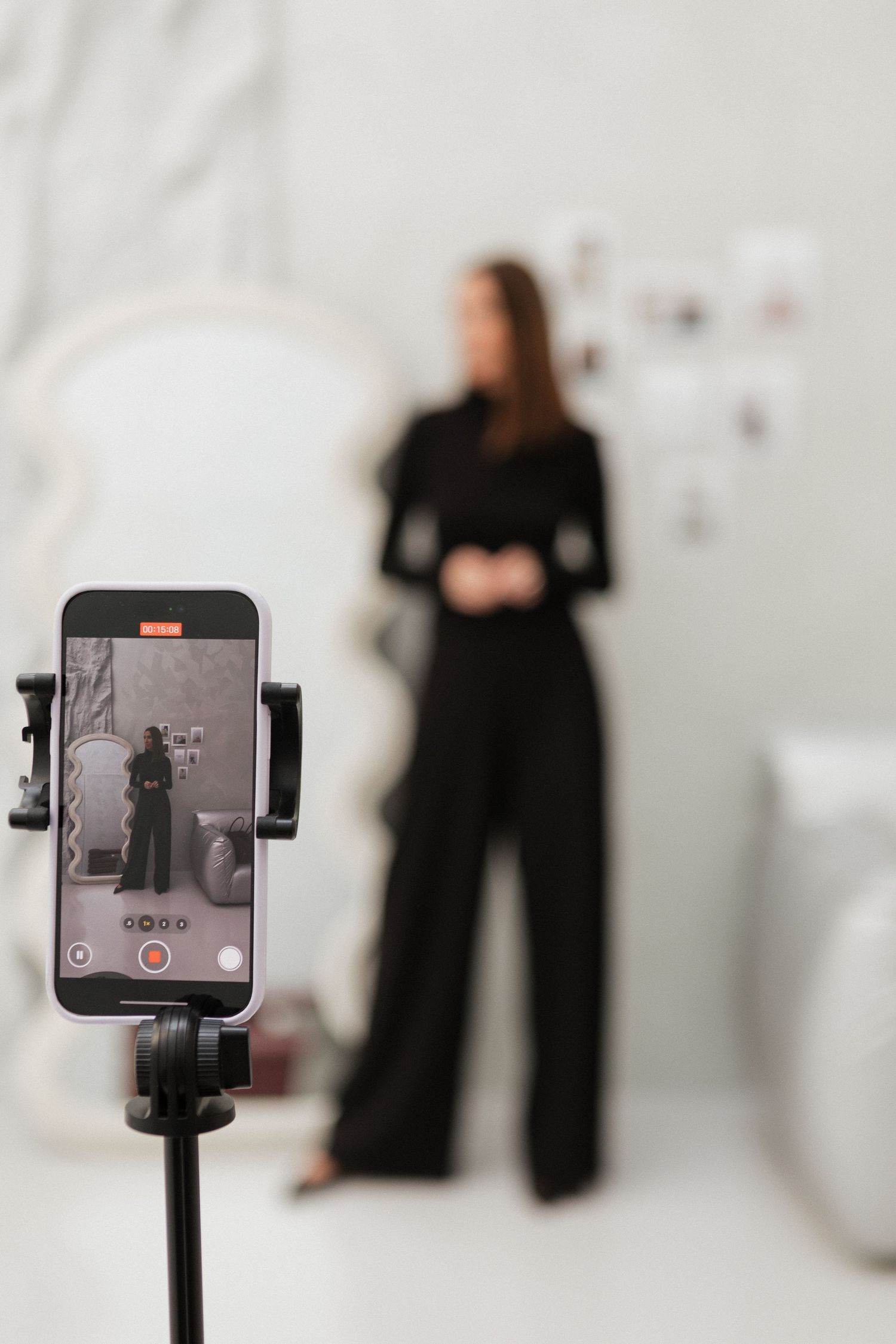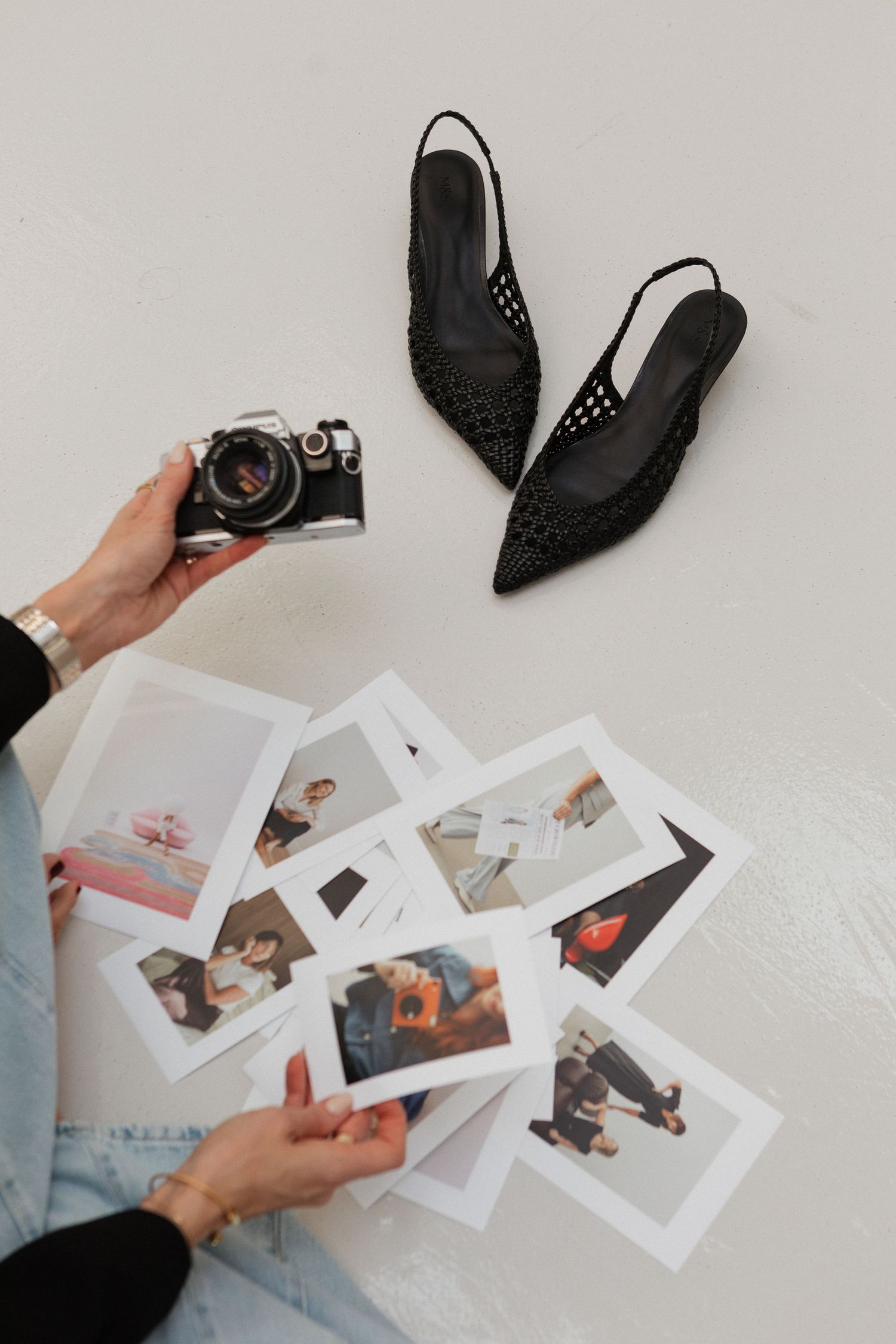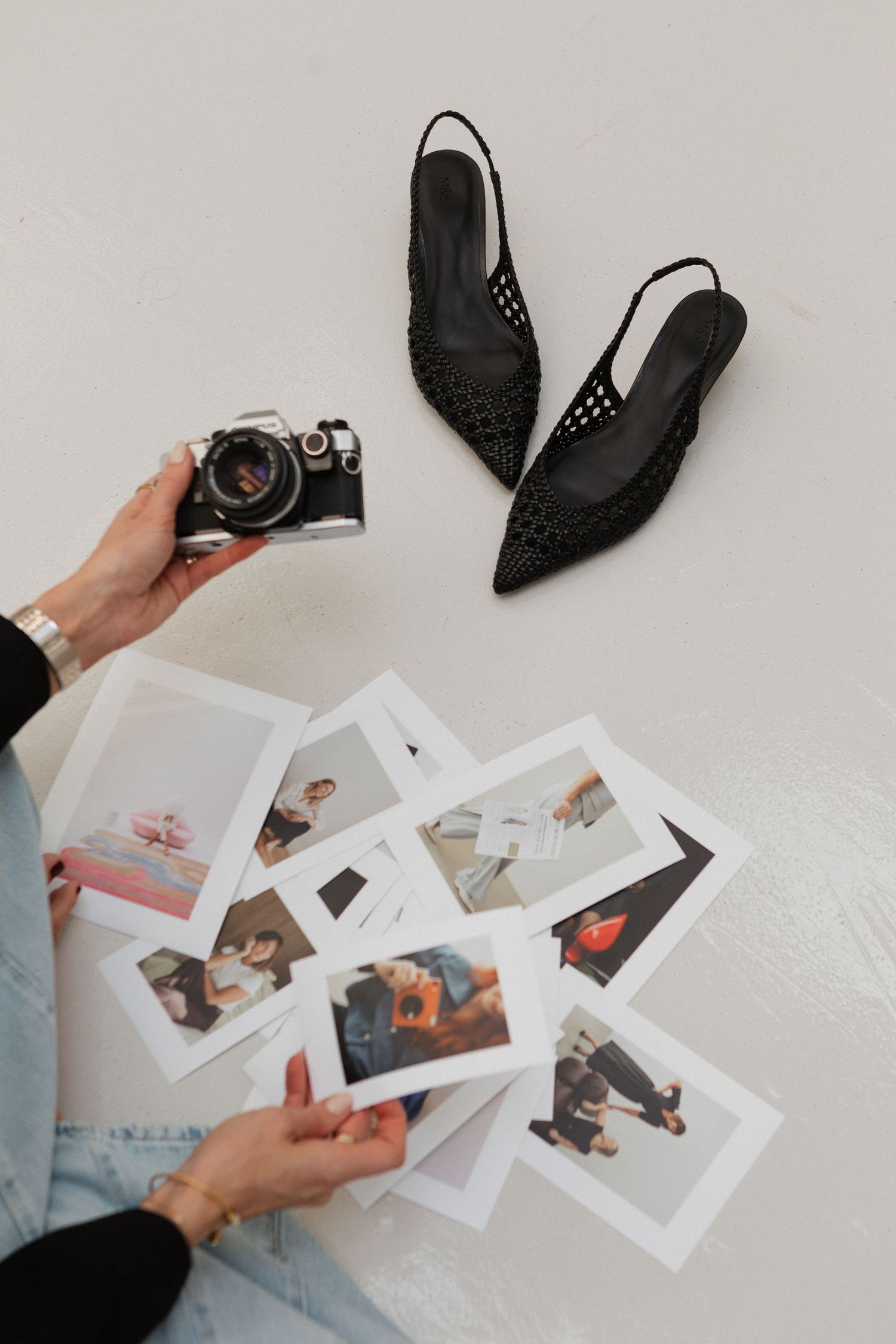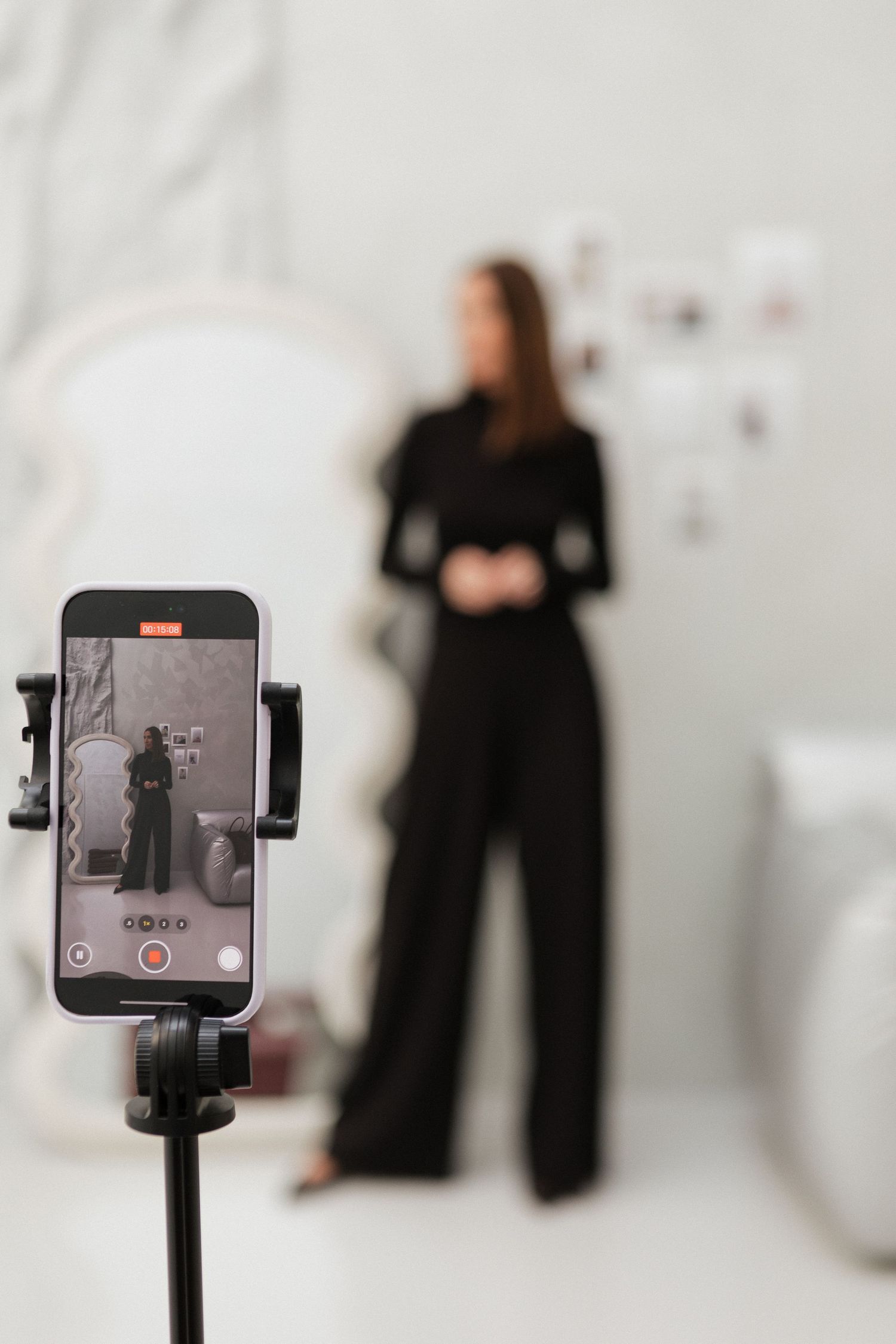
Between Branding Shoots: How to Create Simple, On-Brand Content With Just Your iPhone...
Even with regular professional branding sessions - say, every six months -there are plenty of moments in between where your audience craves fresh, authentic content. While nothing replaces a carefully planned, professionally lit photoshoot, there are ways to create clean, polished images on your iPhone that keep your brand visible and cohesive between our sessions.
⸻
1. Keep Your Brand in Mind
Your iPhone photos should complement, not compete with, the imagery we create together.
Stick to:
• Neutral, minimal backgrounds that won’t clash with your professional gallery.
• Your established colour palette - whether that’s soft neutrals or a pop of colour that reflects your personality.
• Simple compositions: fewer props and distractions mean your audience focuses on you or your product.
⸻
2. Use Natural Light Wisely
• Face a window or stand just inside a shaded doorway for soft, even lighting.
• Avoid overhead lighting or direct midday sun that casts harsh shadows.
• Overcast days are your friend - clouds act like a natural diffuser!
⸻
3. Frame and Position Thoughtfully
• Use your phone’s gridlines to apply the rule of thirds - place your subject slightly off-centre for a professional feel.
• Leave negative space for text overlays or cropping.
• Keep horizons level - slanted lines can feel unpolished.
⸻
4. What to Shoot Between Sessions
• Behind-the-scenes moments: packaging orders, sketching designs, or setting up your workspace.
• Lifestyle elements: your favourite coffee mug, a flat lay of your tools, or a morning ritual.
• Small wins or updates: product sneak peeks, collaborations, or personal touches that remind your audience of your personality.
• Your workspace or environment: a neat desktop, a brand-coloured notebook, or a styled shelf - keep it simple and on-brand.
⸻
5. Edit Lightly
Stick to minimal editing so your in-between content matches your professional images:
• Use apps like Lightroom Mobile or your phone’s built-in editing tools.
• Slightly adjust exposure, contrast, and white balance - avoid heavy filters.
• Maintain consistent tones so your Instagram grid or website feels cohesive.
⸻
6. Batch and Schedule
Set aside 30–45 minutes once a month to capture several looks or angles. This way you’ll always have fresh visuals ready to go - without scrambling at the last minute.
⸻
7. Know When to Call in the Pros
Remind your audience that DIY content is perfect for everyday updates, but professional sessions elevate your brand when launching products, updating your website, or refreshing your portfolio. A mix of polished photos and authentic in-the-moment content keeps your brand dynamic and trustworthy.
⸻
Creating your own content doesn’t have to be complicated. With clean, minimal compositions, natural light, and thoughtful planning, your iPhone can bridge the gap between our professional sessions - keeping your brand active, relatable, and visually consistent.